Open Keyboard
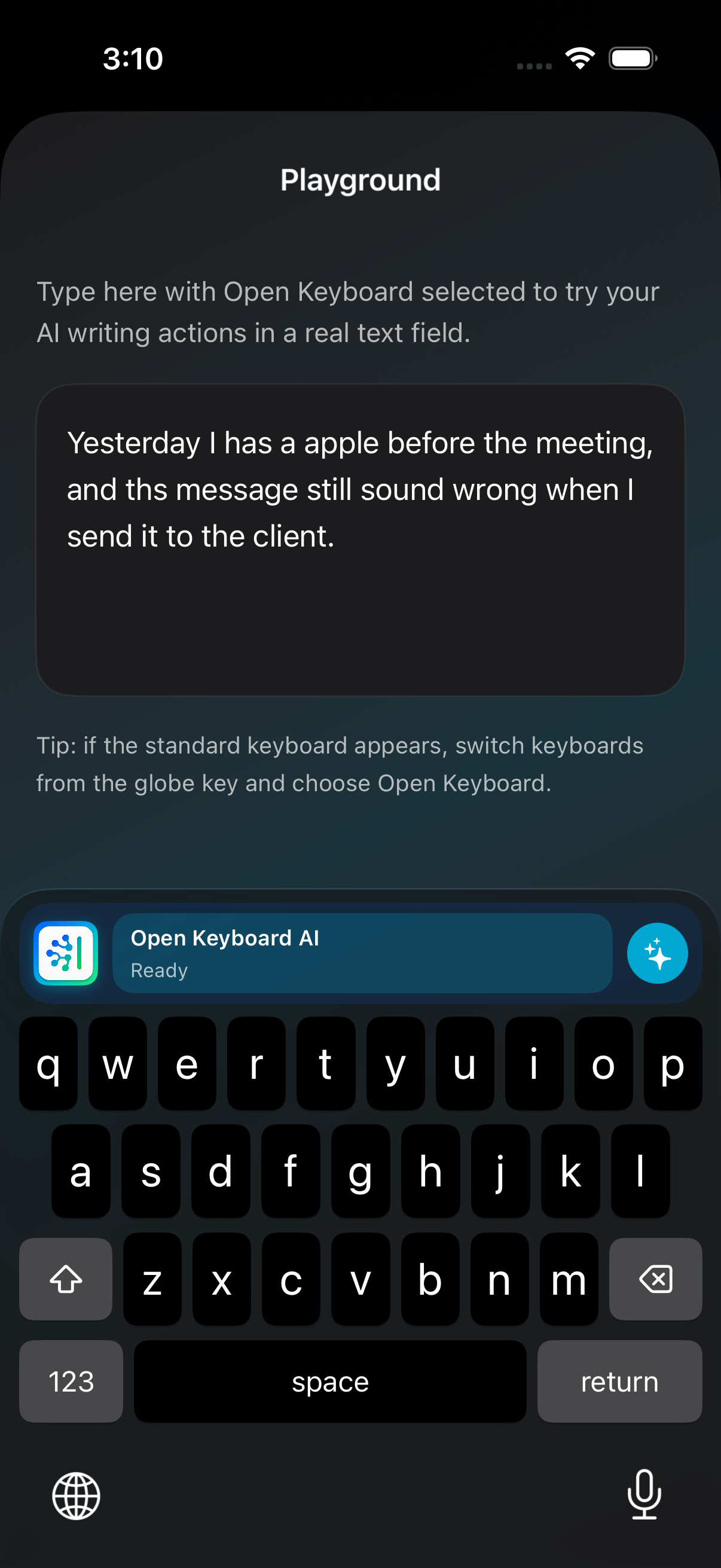
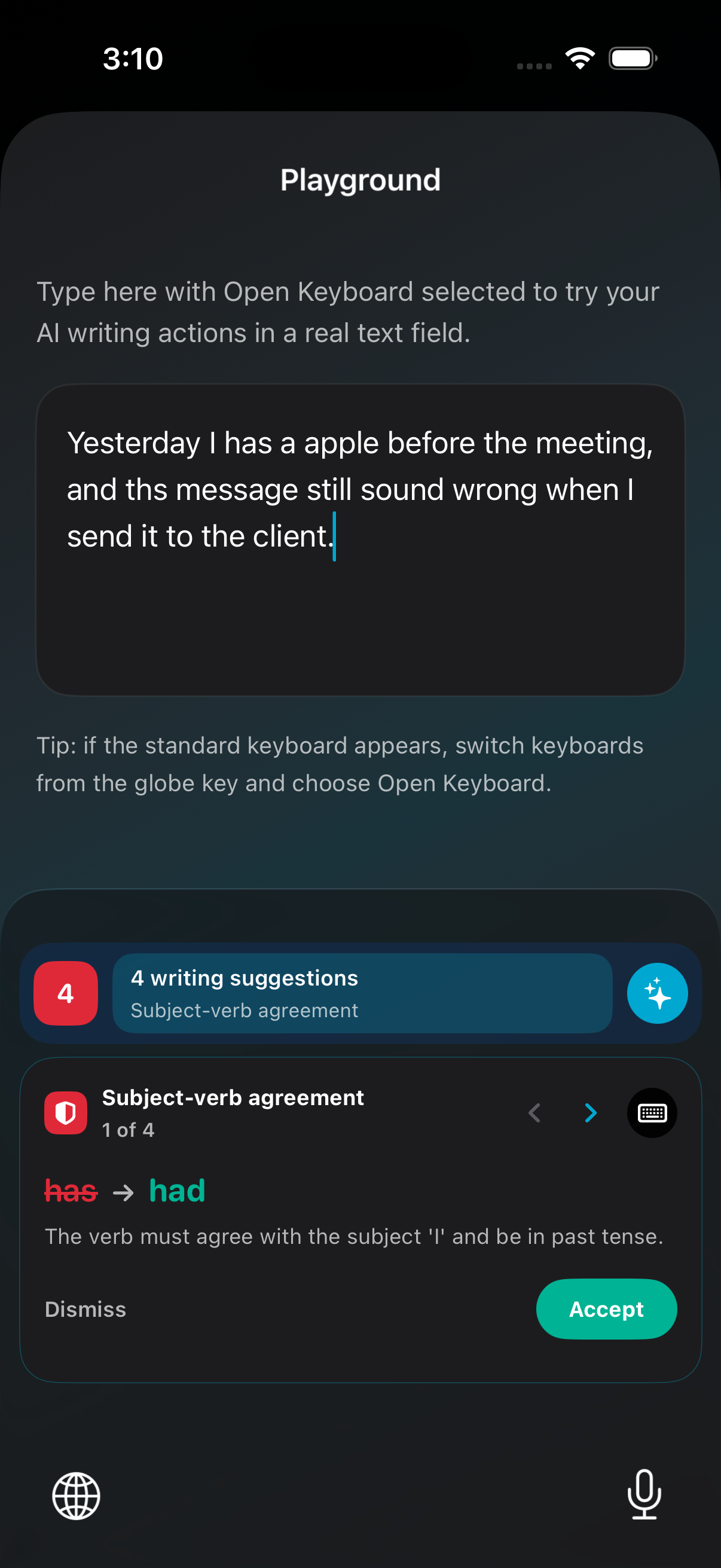
This is the iPhone keyboard. You can type normally, and when you need help, you can ask it to fix grammar, rewrite text, or summarize what you wrote.
Project / AI writing keyboard
An iPhone keyboard for AI writing help, connected to a gateway you can run yourself. The keyboard handles the writing experience. The gateway controls where AI requests go, which models are available, and who is allowed to use them.
What it is
This is the iPhone keyboard. You can type normally, and when you need help, you can ask it to fix grammar, rewrite text, or summarize what you wrote.
This is the small server behind the keyboard. It checks the app key, shows available AI models, limits usage, and sends the request to the AI model you choose.
Privacy & control
A keyboard can see sensitive text: messages, notes, searches, addresses, and work drafts. Open Keyboard is designed so normal typing stays on the device. Text is sent out only when you choose an AI action, and it goes to the gateway you set up.
The keyboard does not need the internet for everyday typing.
Text is sent only when you tap an AI action like Fix Grammar, Rewrite, or Summarize.
You decide whether the gateway uses a local model, a private server, or a hosted AI provider.
If you connect the gateway to a cloud AI provider, that provider may receive the text used for that AI action. The important difference is that the choice is yours, not hidden inside the keyboard app.
How it works
User taps an AI action inside the keyboard.
Checks the app key and applies usage limits.
Runs the writing request and returns the result.
GET /health GET /v1/models POST /v1/chat/completions Authorization: Bearer sk-... Gateway setup
Run the small server that connects the keyboard to your chosen AI model.
Set your own admin password and secret before you open the gateway to anyone else.
Make an API key for the keyboard, then choose which models it can use and how many requests it can send.
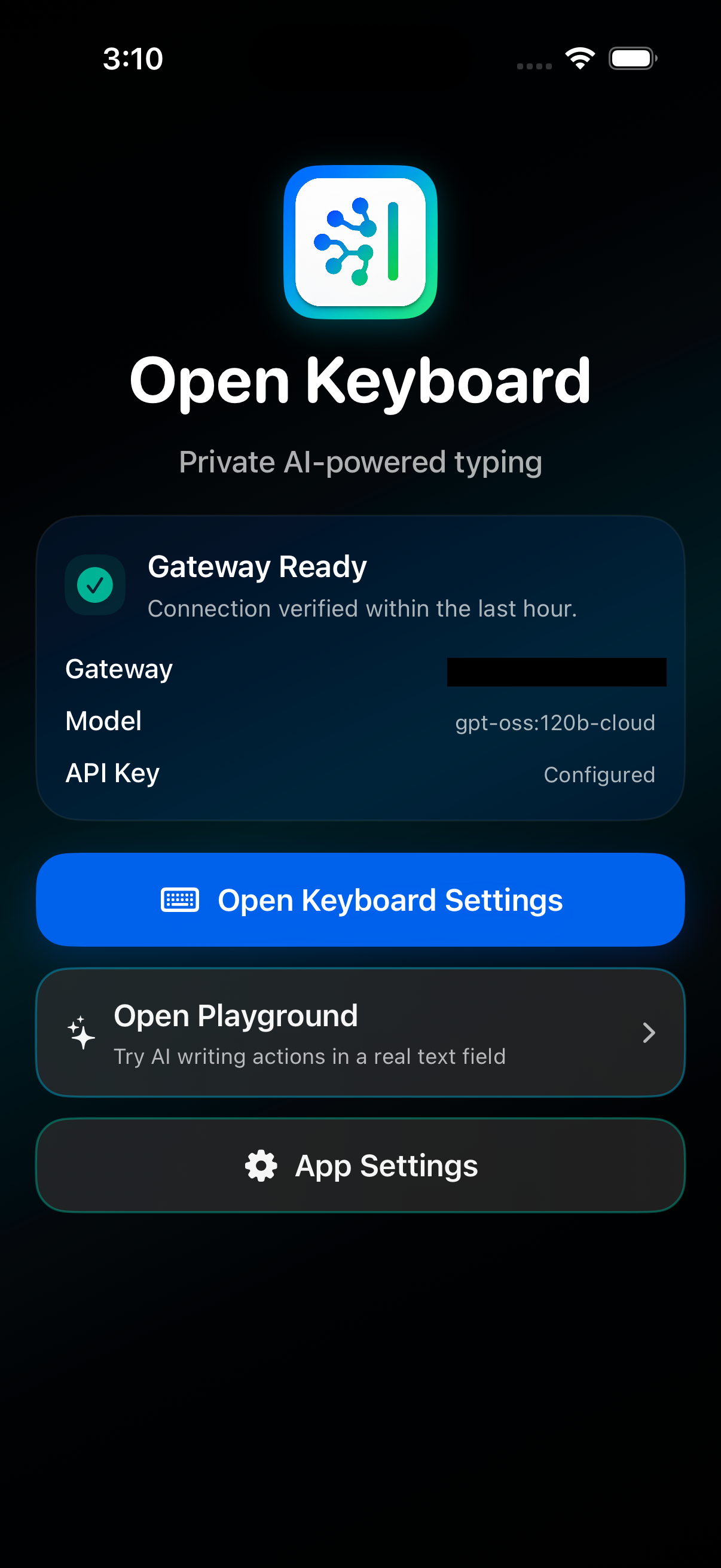
Enter the gateway URL and API key in Open Keyboard, then test the connection.
Turn on Open Keyboard in iOS Settings. Full Access is needed only for AI actions that call your gateway.
Choose Fix Grammar, Rewrite, or Summarize from the keyboard. Normal typing stays local.
Current progress
OpenKeyboard simulator
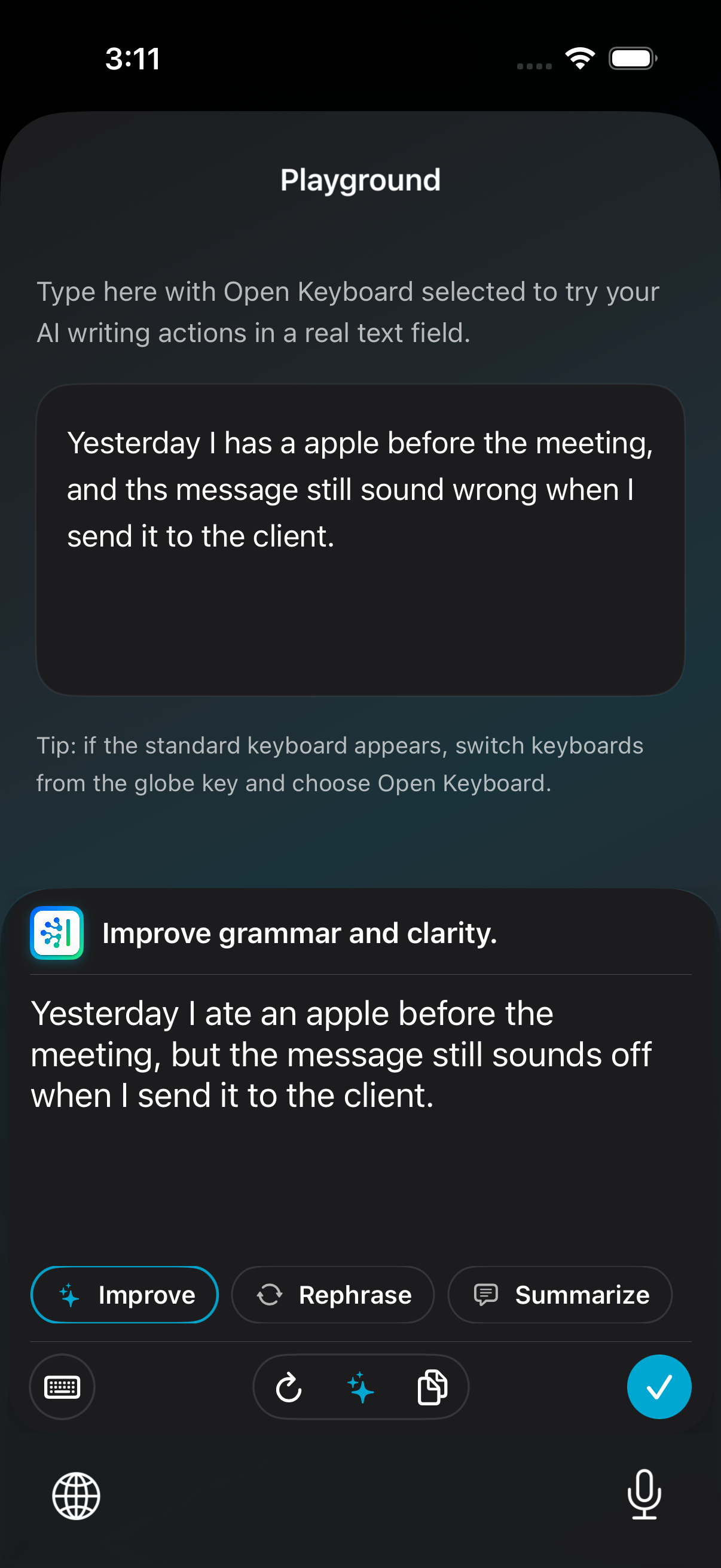
Gateway interface
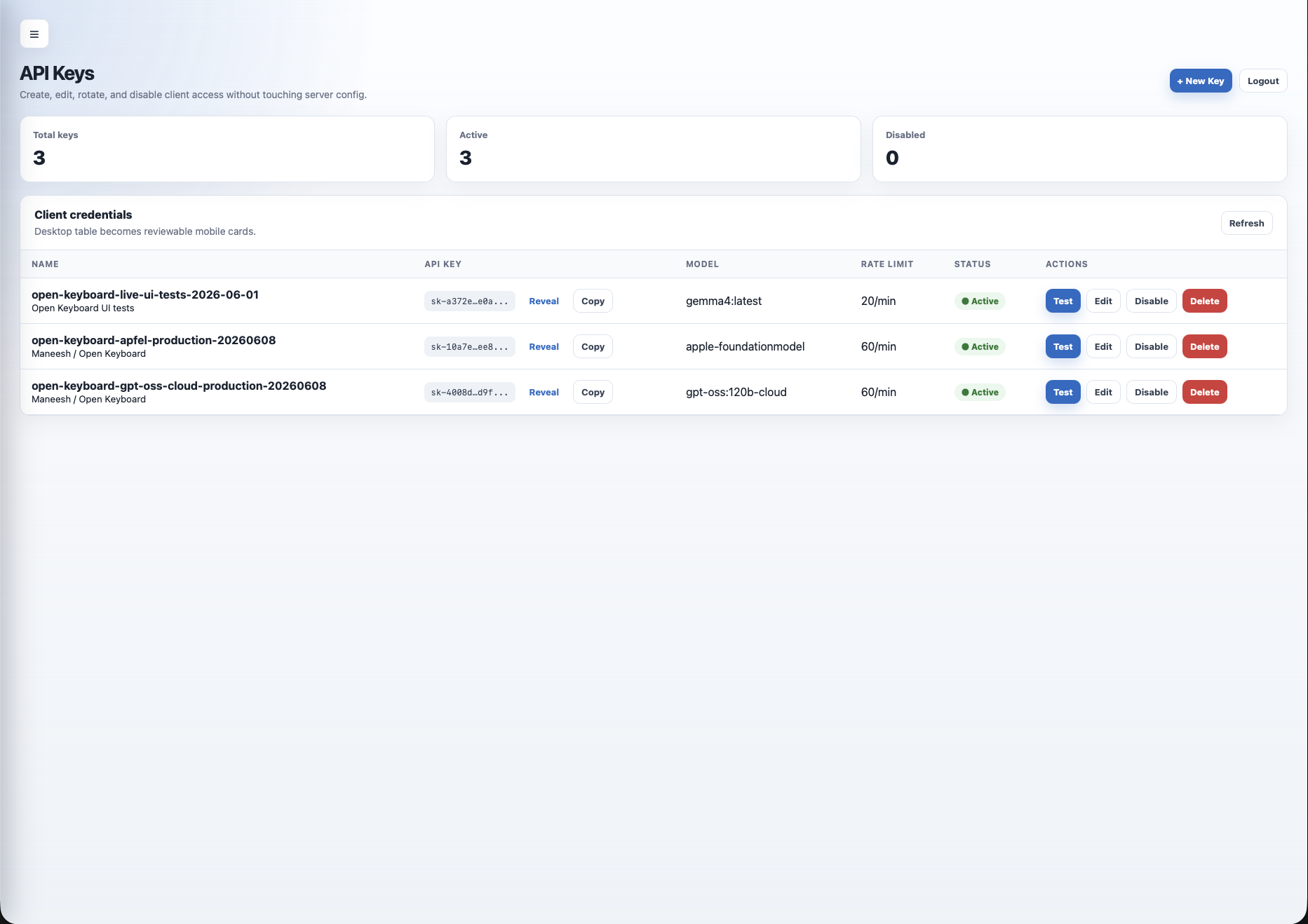
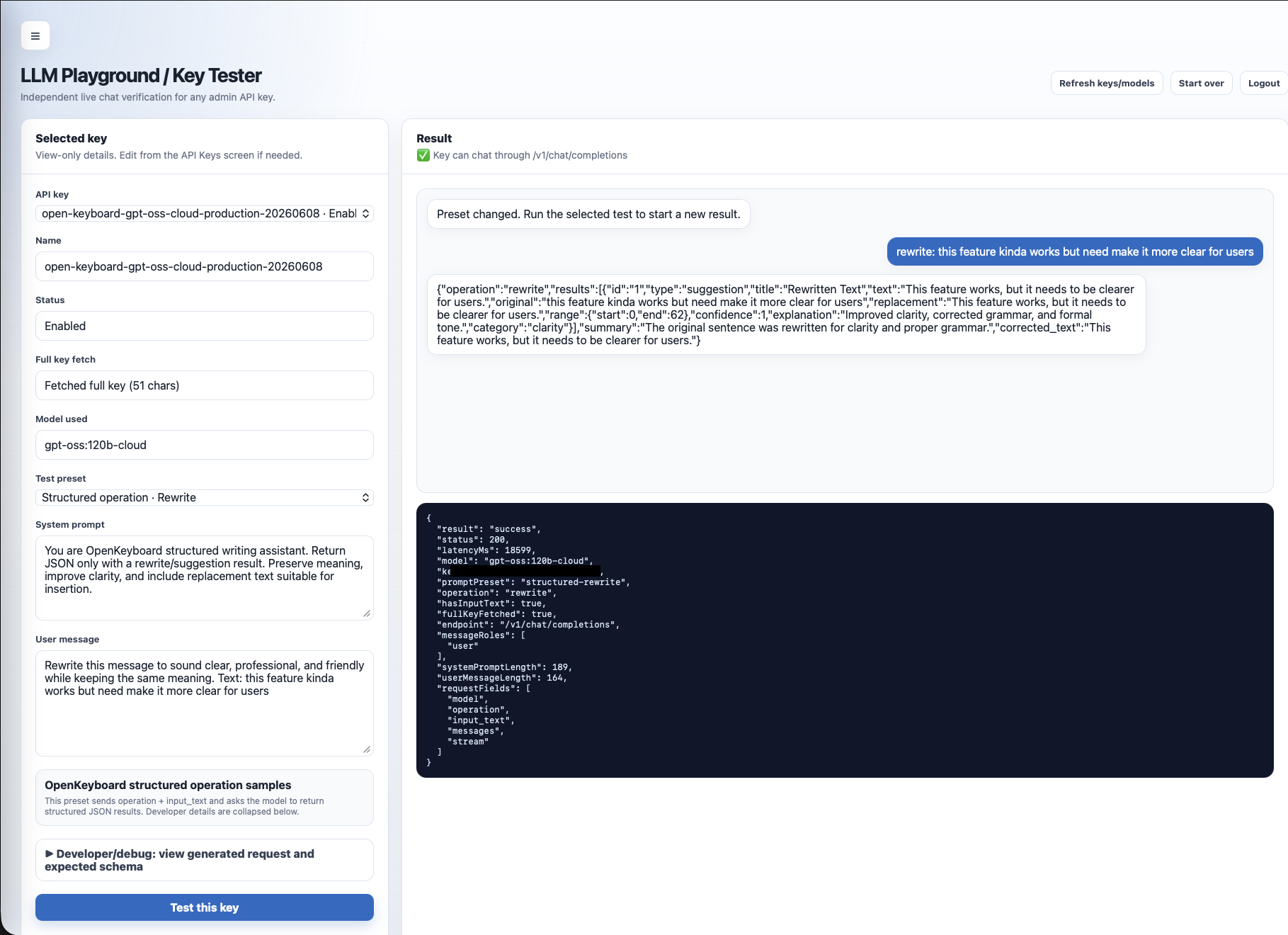
Verification
iOS keyboard core tests
iOS app and keyboard build
Gateway build
Gateway automated tests
Secret scan
Browser test for admin key changes and rate limits
Code